
Published 23 May 2026
E-invoice API integration guide
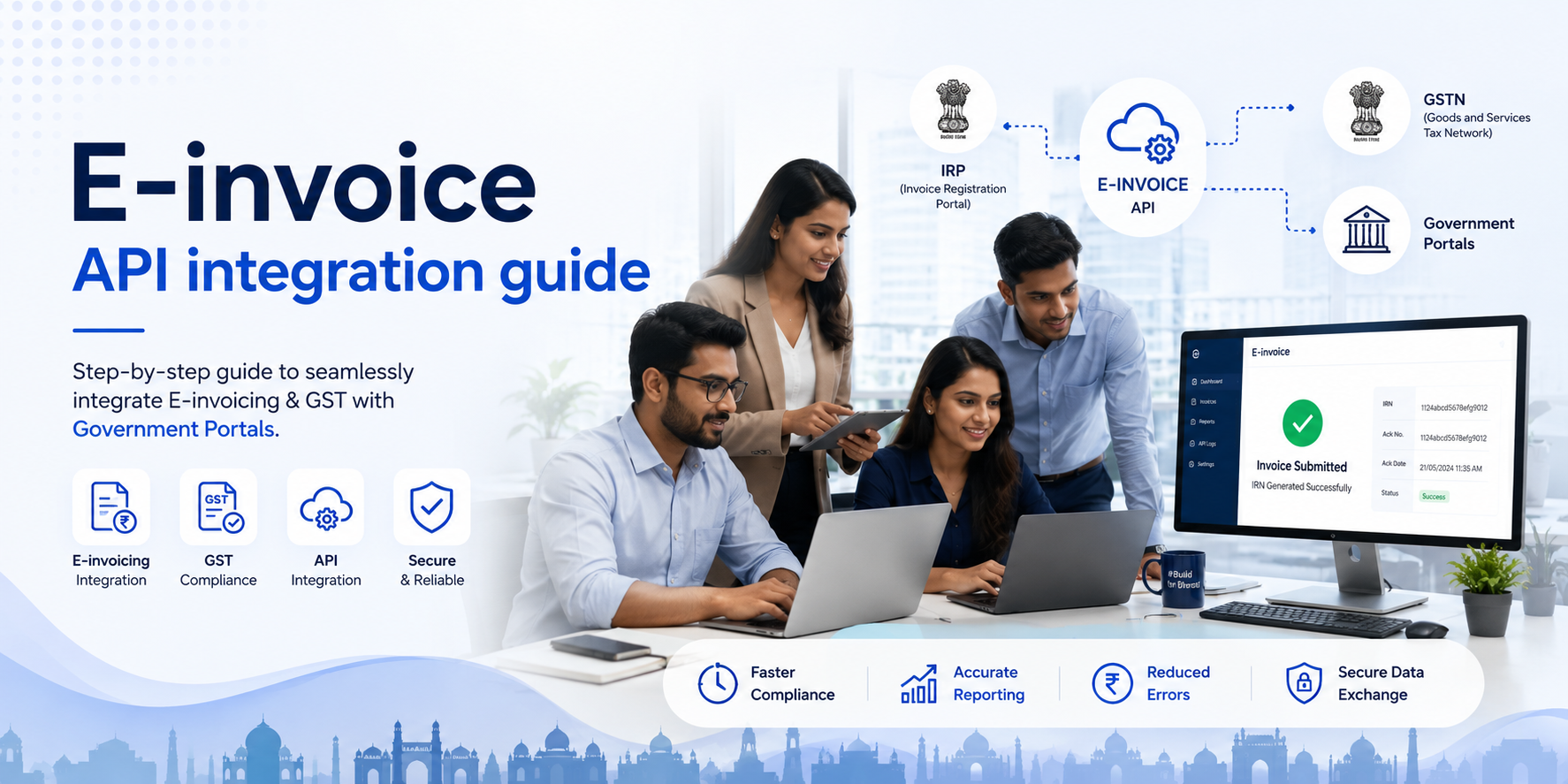
In today's digital world, businesses are always looking for better ways that are less time- consuming and give fast results, and the Billing system is no different. These days, electronic billing, also called e-invoicing, is used instead of paper billing. It uses a simpler computer method. E-invoicing system India help businesses create, send, and store their invoices, improving accuracy, speeding up the process, and making the process hassle-free. When the company grows and work with more clients, most of the time manual billing becomes inefficient. It gets stuck at times, produces incorrect calculations, and takes a long time. This is why an API would be useful. With an API, a e-invoicing solution can communicate directly with an accounting or ERP solution. So information is sent over and checked in real time to generate bills without any human input. This means it will be more time-efficient, help with compliance, and be much less likely to make mistakes. This blog's goal is to clearly and usefully show how e-invoice API integration works. Know the basics of digital billing with this guide. This will guide you in making better business choices, whether you are new to the business or an existing business owner looking to update billing procedures. What is e-invoicing E-invoicing is the process of creating, sharing, and managing invoices online rather than on paper or by hand. It provides businesses with software that generates bills in a structured way and sends them to customers or government sites. This not only saves time, it makes it simpler and less error prone. E-invoices system India contain such information as invoice number, invoice date, quantity purchased, tax and VAT rates and the items and price purchased, as well as the total amount due. There will be a digital signature and code number to authenticate it. Paper bills are different from electronic bills because electronic bills are automatic and follow a set of rules. Traditional bills are usually made by hand or as simple PDFs, which means that at every step, someone has to be there. E-invoicing, on the other hand, is run by a system which lets different platforms share information easily. What is an API for an e-invoice? Different programs can communicate and share payment information immediately via an E-payment API, a digital link. When it comes to billing, an API (Application Programming Interface) connects your billing system to external systems such as financial software or government websites. It is easy and quick to move data via the API, so you don't have to enter invoice information by hand. A very important part of automation is an API. It speeds up the payment process and lowers the amount of work that needs to be done by hand. A business doesn't have to
switch between tools to make, check, and send invoices quickly. It ensures that things are done correctly and in line with the rules, and it also speeds things up. It's not hard to figure out how an e-invoice API works in general. In the business system, data for bills is first made. After that, the API sends this data to the correct site for verification. This is a unique billing reference or statement issued after the payment is confirmed. After being checked, the statement is sent back and saved in the system. It can then be shared or used as a record. Billing goes faster, more accurately, and more easily with this smooth flow. E-invoicing API integration - Prerequisites Here's what you need to make it easy to connect to an e-invoicing API. One way that bills should be made is automatically. No bugs, viruses, or other malicious code should be able to get into the data from the government ERP. The Information Technology Act of 2000 requires customers to follow the rules. People who use Information Technology must follow all government and IT security rules. The customer should be able to connect to the e-Invoice system and send and receive data. Taxpayers should be able to test the link in a real-world setting.
What You Need to Know About E-Invoice APIs Putting together bills right away: One great thing about e-invoice APIs is that they let you send bills right away. A business doesn't have to make paperwork by hand; they can automate the process and send out bills as soon as a deal is done. This not only saves time but also prevents late payment cycles. This keeps cash flow steady and generally improves how everything runs. The checking of data: E-payment APIs often include built-in tools to ensure invoice data is accurate. The system performs error checking across various aspects of a statement -- such as blank spaces, mismatched formats, and data. Not having to make as many changes by hand, and the chance of being turned down is going down. In this way, the billing process is more stable and effective. Safe Sending of Data: The safety of digital billing is very important. It is encrypted when e- invoice APIs transmit private financial data between systems. E-invoice API integration protect data from being hacked or from unauthorized access. This makes it safer for businesses to engage in online transactions. Integration with Existing Systems: It also works well with ERP or financial software that you already have, which is a big plus. E-invoice APIs connect different systems so data can
move easily without being copied. With this, there is a unified workflow, less work needs to be done by hand, and the practical output increases. How to Add an API: What You Need to Do Accessing APIs and Authentication To connect to an API, one must first get access permissions. This typically entails registering your application and acquiring credentials such as passwords or API keys. Now, only authorised systems can consume the API. As an extra safety measure, it helps keep private information secure while systems communicate. Getting in touch with accounting and ERP tools Connect the API to your ERP or financial tools after gaining access. Field mapping is needed for data transfer between systems. A good link helps ensure that billing information, client details, and financial data are in sync, so the user doesn't have to do any extra work. Putting it together and trying it Testing is crucial before launch. You test the API now to make sure it handles data appropriately and responds to diverse conditions. Tests help detect merging process errors and fix them promptly. How the Deployment Works Once the tests go well, the combination is deployed to the production system. Now the system can run in real time. Stay on top of it when go-live happens, ensure smooth handover and assist in getting issues fixed rapidly.
Data Flow and Process Structure Setting up an account: To start the process, you have to make a statement, which means entering all the deal details into the system. It contains information about both the buyer and the seller, the good or service being supplied and purchased, the value and costs and how the payment is to be made. Accuracy is crucial here, as even minor errors can delay the entire system. The majority of systems automatically allow you to use information in your records. This helps keep all the papers the same and saves time.
Getting data sent: It is sent to the right website or government platform through the API after the bill is paid. This part ensures the bill gets to the right place in a typical digital file. Most of the time, encryption methods are used to keep private financial data safe while transactions are in progress. Checking for and getting approval: After the statement is sent, it is checked to ensure it is correct. The system checks for mistakes, blank areas, and compliance with rules and forms. If everything goes well, the bill will be passed. If something is wrong, it is sent back for repair. This ensures that only correct and legal bills move forward. Final Invoice Generation: Once the bill has been accepted, it is assigned a unique number or reference code to distinguish it. This bill can be sent to the customer and saved for future use after it has been checked. This makes the process go more smoothly. Some of the problems that often happen during merging are Mismatches in data Data mismatches are a common issue during joins. Data storage, naming, and format vary by system. Invoice accuracy or successful processing depends on data matching. For example, if you enter an incorrect date or tax number, it can slow down your job and require manual adjustments. Having trouble with system compatibility Some systems don't work with others. The new API may cause compatibility issues with older software or custom ERP systems. New functionality might not work as expected and can lead to more time and effort. Generally you need to check system to system integration. Error Handling When you merge, mistakes are going to happen. It's hard to find, track, and fix them quickly. You could lose data or be unable to make a statement if you don't handle errors correctly. To find problems quickly and keep things going smoothly, you need clear error messages and good logging.
Security Concerns When you deal with private banking information, there are always security risks. Data should be transferred securely for security concern and only authorised personnel should be able to access it during API integration. To always keep data safe, follow stringent guidelines and check for security gaps. Compliance and Security Aspects Regulatory Compliance As you are implementing the e-invoice API you need to read and follow the guidelines, tax laws and regulations for bills, taxes, digital signatures etc. Is unique for each country. It is critical to ensure the e invoice software India adheres to the guidelines to prevent future issues or fines. Moreover you need to be updated on the continuously evolving legal frameworks. A compliance system can keep the business up and running, also increasing client trust and governmental confidence. Safety of Data When handling private cash and customer data via e-invoicing, privacy must be a top priority. Businesses need to keep all customer and transactional data safe while they store and handle it. To do this, you must follow data security rules and only let people who are allowed in. Private information is always safe because it is encrypted and stored in a way that prevents loss or hacking. Making use of a safe API A big part of merging is ensuring APIs are used safely—the most important way to keep data secure in transit is to use secure communication. Early detection of system problems can be facilitated by monitoring and upgrades. It helps the billing system stay safe and run well even amid cyber attacks. Trouble shooting solutions If there is a plan, problems can be solved quickly without stopping work. Identifying the core cause of matching data, API calls, or connectivity issues is crucial. This process goes more quickly and easily if you keep the right logs and error reports. One way to ensure minimal downtime and that the system always works well is to find problems before they occur.
That being said If a business wants to improve its financial processes, it needs an e-invoice API connection. It's no longer a nice-to-have tool. Not only does this level of speed make daily work easier, but it also makes it easier to be open and follow the rules. More work getting done, better cash flow management, and easier access to data are all good for companies in the long run. Teams don't have to repeat documentation when payments are automatic. They can concentrate on crucial things. Additionally, it's scalable, helping growing organisations manage more sales with ease. E-invoicing system India will change significantly as the world goes digital over the long term. E-billing will get smarter, more connected, and more real-time as more companies and governments use standard frameworks. Financial ecosystems will get smarter and do more than process bills as data analytics and automation improve. Businesses can learn from these ecosystems to make better decisions.