
Published 04 May 2026
Step-by-Step GST E-Invoice Generation in India (2026 Guide)
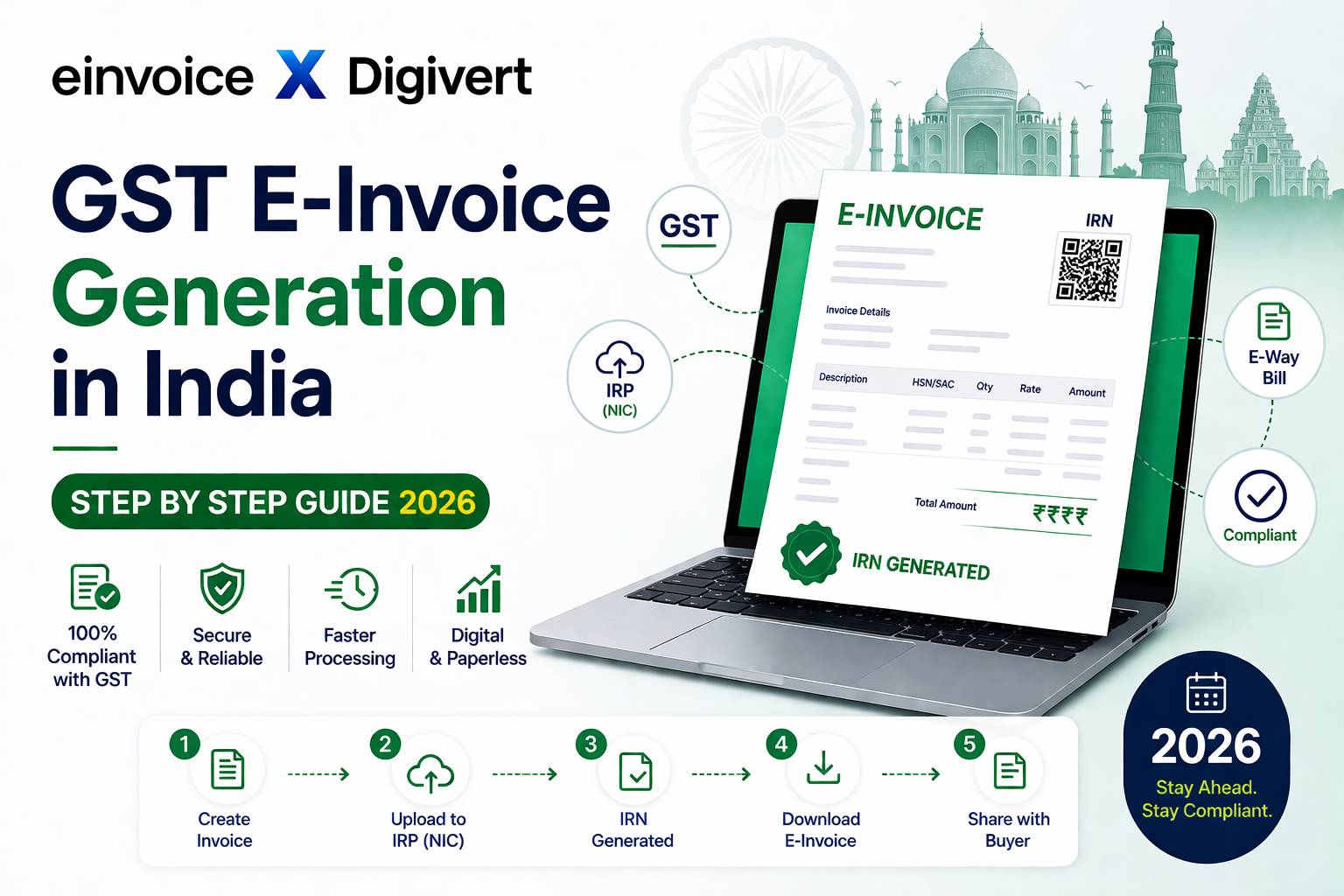
GST e invoice generation in India is mandatory for businesses under GST compliance. Understanding the e invoice generation process helps you generate IRN quickly and avoid errors. In this guide, we explain how to generate e invoice GST step by step using the Invoice Registration Portal (IRP).
What is GST E-Invoicing? GST e-invoicing is a system where invoice details are electronically authenticated by the government through the Invoice Registration Portal (IRP). Once validated, the system generates: IRN (Invoice Reference Number) QR Code Digitally signed invoice This ensures standardization and prevents tax evasion.
Who Needs to Generate E-Invoices in 2026? As per current GST rules (2026): Businesses with turnover exceeding the prescribed threshold (as notified by GST authorities) must generate e-invoices for B2B transactions. Always check the latest threshold updates from the government portal.
Prerequisites Before Generating E-Invoice Before you begin, make sure you have: GSTIN (active) Invoice details (buyer, seller, items) HSN codes Tax details (CGST, SGST, IGST) Compatible software or API access Step-by-Step GST E-Invoice Generation Process in India Step 1: Create Invoice in einvoice.co.in Prepare your invoice in your accounting or ERP system i.e. einvoice.co.in with all mandatory fields: Supplier & Buyer GSTIN Invoice number & date Item details Tax breakup Step 2: Convert Invoice to JSON Format GST e-invoicing requires invoice data in JSON format. Your software should automatically convert invoice data into JSON.
Step 3: Upload JSON to IRP (Invoice Registration Portal) Upload the JSON file to the government IRP via: Direct login portal API integration GST Suvidha Provider (GSP)
Step 4: IRP Validation The system validates: GSTIN correctness Duplicate invoice check Tax calculations
Step 5: Generate IRN Once validated, IRP generates: Unique IRN Digitally signed JSON QR Code
Step 6: Receive Signed Invoice You receive: IRN QR code Signed invoice data
Step 7: Print / Share Invoice Add IRN & QR code to invoice and share with customer.
Common Errors in E-Invoice Generation Avoid these frequent mistakes: Invalid GSTIN Incorrect HSN codes Duplicate invoice number Wrong tax calculation JSON format errors Fixing these quickly ensures smooth processing. Benefits of GST E-Invoicing Faster invoice processing Reduced errors Auto-population of GST returns Better compliance Improved transparency Simplify E-Invoicing with einvoice.co.in Manual JSON upload is time-consuming. Using a smart tool like einvoice.co.in helps you: Generate IRN instantly Avoid errors automatically Integrate with your system Stay compliant without effort Pro Tips for Businesses Automate invoice generation Validate data before submission Keep backup of JSON files Monitor error logs regularly
FAQs on GST E-Invoicing :- Q:What is IRN in e-invoicing? A:IRN (Invoice Reference Number) is a unique number generated by IRP for each invoice. Q:Can I cancel an e-invoice? A:Yes, within 24 hours from IRN generation. Q:Is e-invoicing mandatory for all businesses? A:No, only for businesses crossing the turnover threshold notified by GST authorities.
Final Thoughts GST e-invoicing is not just a compliance requirement—it’s a step toward digital transformation in India. By following the step-by-step process above and using the einvoice.co.in, you can streamline your invoicing and avoid penalties.